Wedding QR codes: where to use them and what to link
One small square can replace a stack of paper, a hashtag and a dozen repeated questions. Here's where wedding QR codes work best, what to link, and the wording guests actually respond to.
 By LIT VOW Editorial5 min read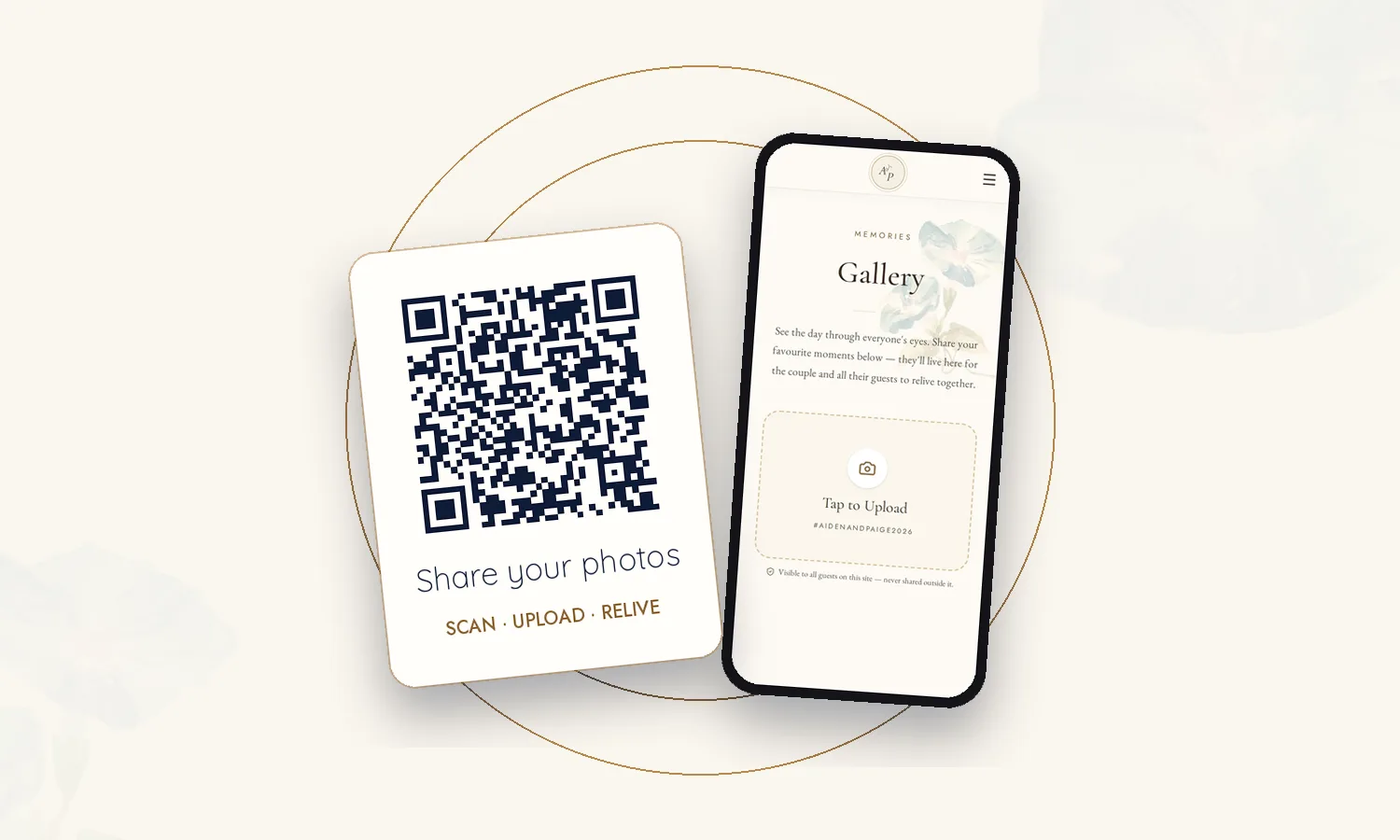
Key takeaways
- Use QR codes where guests need something to do: RSVP, find the schedule, upload photos, leave a message.
- Link one place, not five. A single wedding app keeps every code pointing to the latest information.
- Put a short action under every code — "Scan to share your photos" beats a bare square.
- Test every code on several phones, and print it large enough to scan from a table.
Where QR codes work best
On invitations and save-the-dates
Link guests straight to your RSVP and details. Older relatives appreciate the printed invitation; everyone appreciates not typing a URL.
On the welcome sign
“Scan for the schedule, map and Wi-Fi.” It answers the first questions guests have on arrival.
On every table
The best spot for photo sharing (here’s how to collect every guest photo). Guests are seated, phones in hand, taking pictures.
Near the guestbook
Invite guests to leave a voice or video message from their own phone — no queue.
At the bar or photo booth
A second prompt for photo uploads catches guests at their happiest.
What to link: one place, not five
Separate codes for RSVP, a photo app, a playlist and a website quickly become confusing — and some will go out of date. Link everything to one wedding app, opening straight to the right page. If plans change, the code keeps working and the information updates.
Sign wording that works
Tell guests exactly what happens when they scan:
- “Scan to share your photos — and find every photo you’re in.”
- “Leave us a message. Voice, video or a note — we’ll treasure it.”
- “Everything you need tonight: schedule, menu and Wi-Fi.”
- “Lost? Scan for directions and the day’s timeline.”
Add a line for guests who prefer not to scan: “Or visit [your link].”
Mistakes to avoid
- Too small — a tiny code on a busy design won’t scan in candlelight.
- Low contrast — dark code on a light background works best.
- Untested — scan every printed code on iPhone and Android before the day.
- Temporary links — some free generators expire; use a link you control.
- Asking guests to download an app — every extra step loses people.
Photo sharing: make it worth their while
Guests upload more when they get something back. A LIT VOW app pairs the upload page with a Selfie Photo Finder — guests take a selfie and instantly see every shared photo they’re in. The selfie is used only to match, then discarded.
Sources
Frequently asked questions
What should a wedding QR code link to?
Link to one place that holds everything — your wedding app or website — ideally opening straight to the relevant page, such as RSVP on the invitation or photo upload on the tables.
Where should you put QR codes at a wedding?
On the invitation or save-the-date, the welcome sign, each reception table, the bar and near the guestbook. Each one should match what guests want to do in that spot.
How big should a QR code be on a wedding sign?
Big enough to scan comfortably from where guests stand or sit — on a table card, at least a few centimetres across, and larger on signs read from a distance. Always test before printing.
LIT VOW Editorial writes about wedding planning, guest experience and cultural traditions for couples in Canada, the USA and around the world.