
Features
Everything your guests need. One link.
Eight beautifully designed pages, one private app. Open any feature to see it on the phone.
Every feature
PrivateA private home for your celebration
Guests enter with your wedding PIN, so only the people you invite see your details, your schedule and your photos.
- One PIN for all guests, shared with your invitation
- Nothing about your wedding is public
- Works on any phone browser, no download
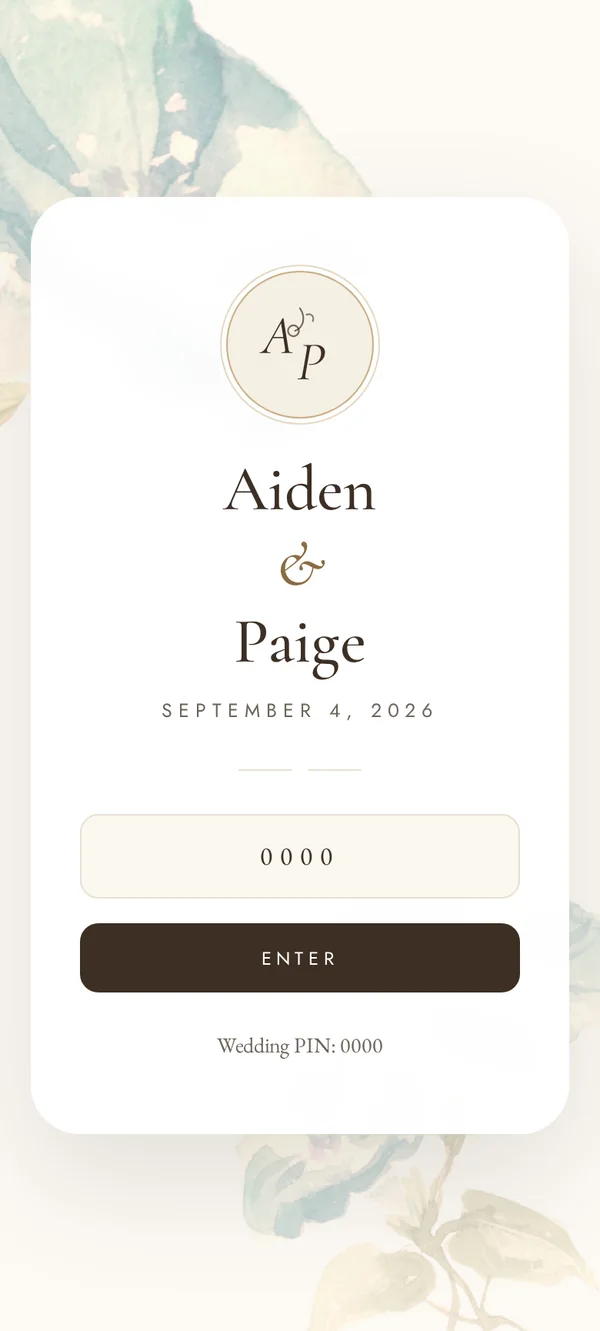
Your storyYour names. Your photos. Your colours.
Every LIT VOW app is designed around your palette and photography, with your journey, your wedding party and a monogram that feels like your invitation.
- Your colours, fonts and photography
- Our Journey and wedding party pages
- Custom monogram on Signature

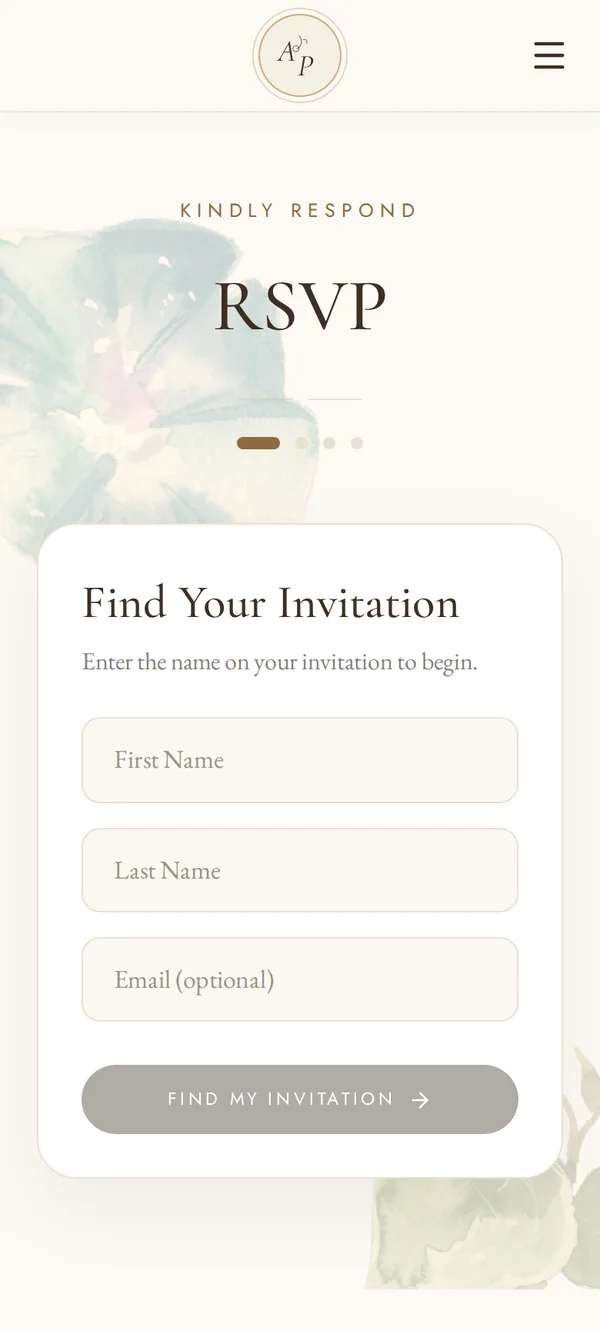
RSVPRSVPs without the spreadsheet
Guests find their invitation by name and respond in four gentle steps. Every reply arrives in one place.
- Guests find their own invitation by name
- Plus-ones and multiple events
- Every reply in one place
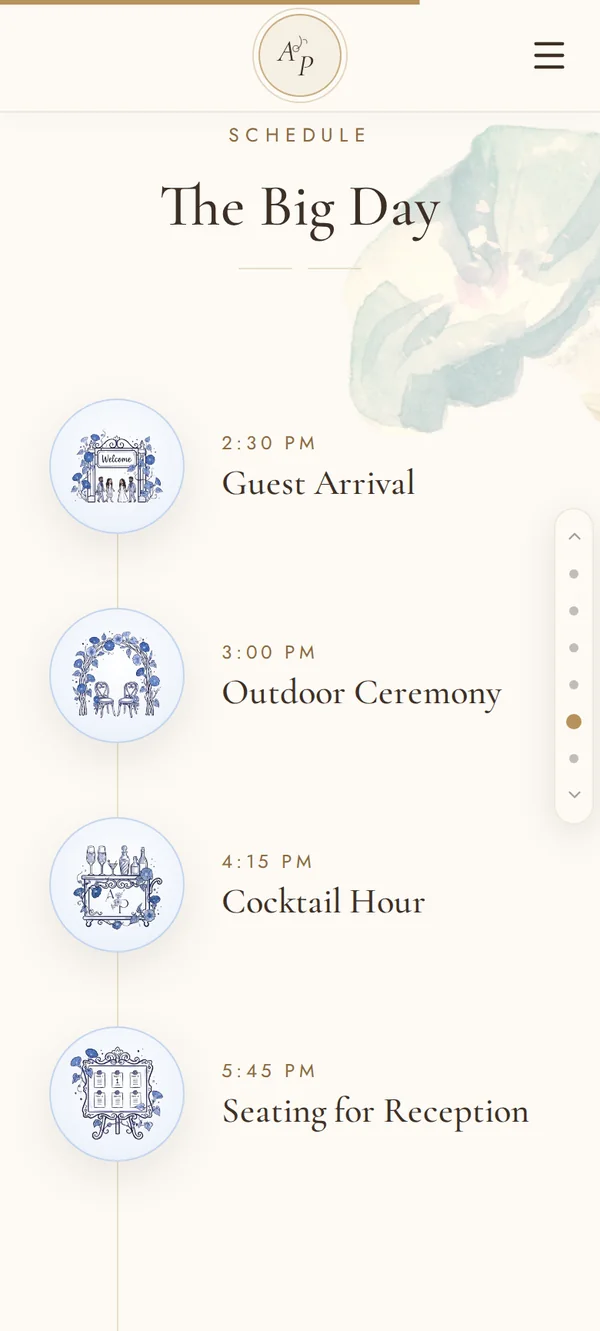
EventsEvery moment, beautifully in order
From guest arrival to the last dance — each event with its time, place and what to expect, from the welcome dinner to the farewell brunch.
- A timeline for the whole weekend
- Venue, map and directions
- Updates in one place if plans change
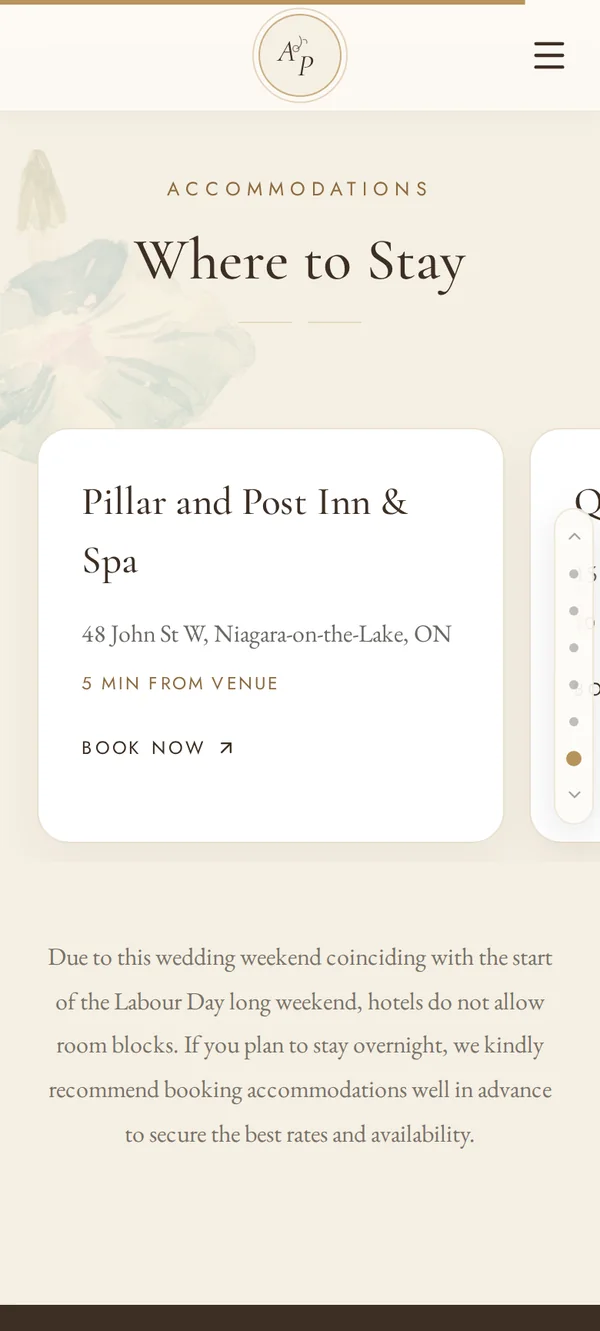
TravelHotels, directions and the fine print
Nearby hotels with their distance from the venue and booking links, plus the notes guests always ask about.
- Hotels with distance from the venue
- Book-now links and room block codes
- Parking, shuttles and local tips
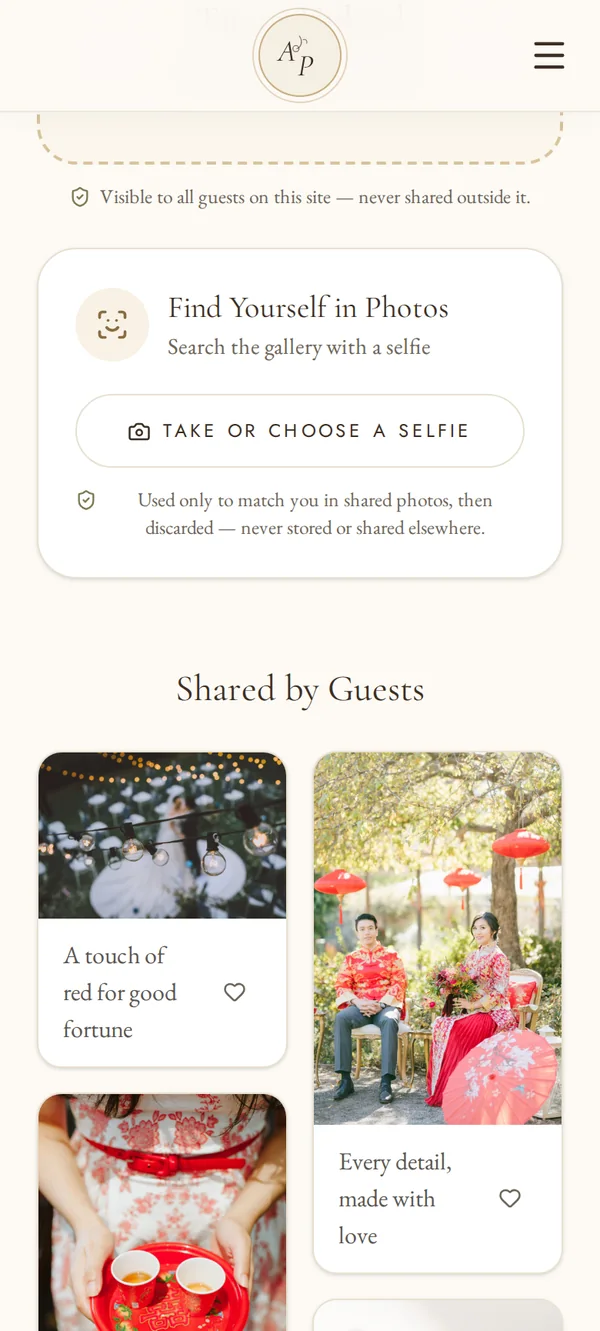
PhotosOne gallery. One selfie. Every photo.
Guests upload their moments to one shared gallery, then take a selfie to find every photo they are in.
- One private gallery for every guest photo
- Selfie Photo Finder
- Selfies used only to match, then discarded
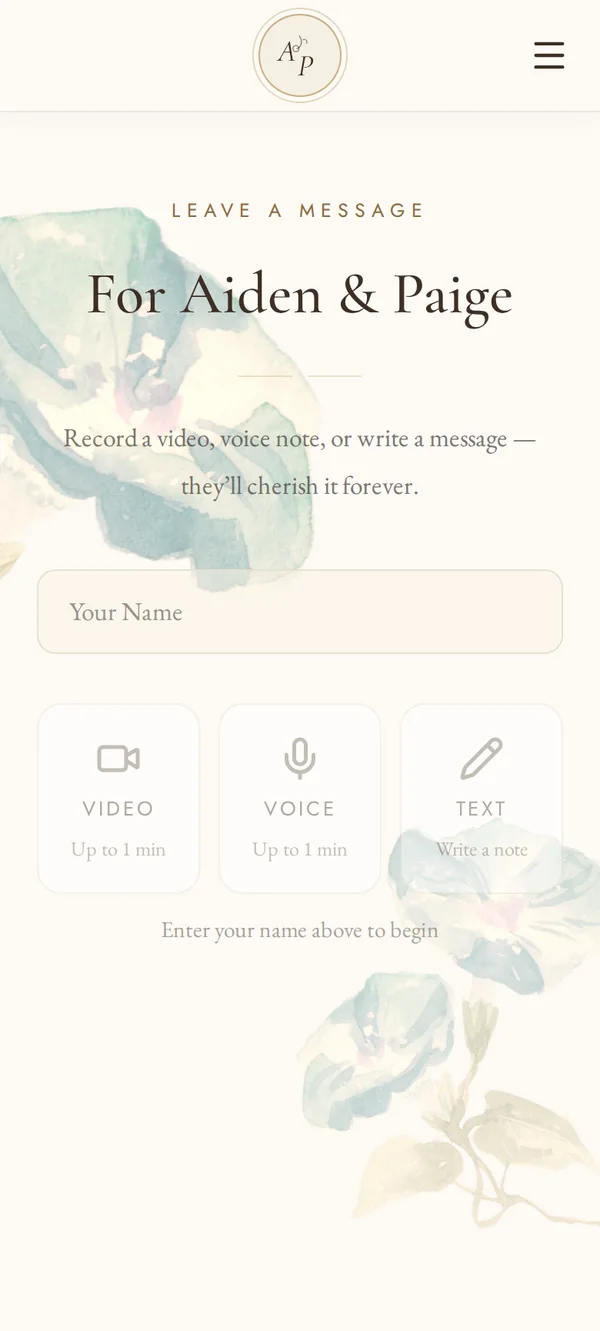
MessagesVoices you will keep forever
A video, a voice note or a written message for the two of you — the guestbook, reimagined for the people you love.
- Video and voice notes up to a minute
- Written messages
- Included in Signature
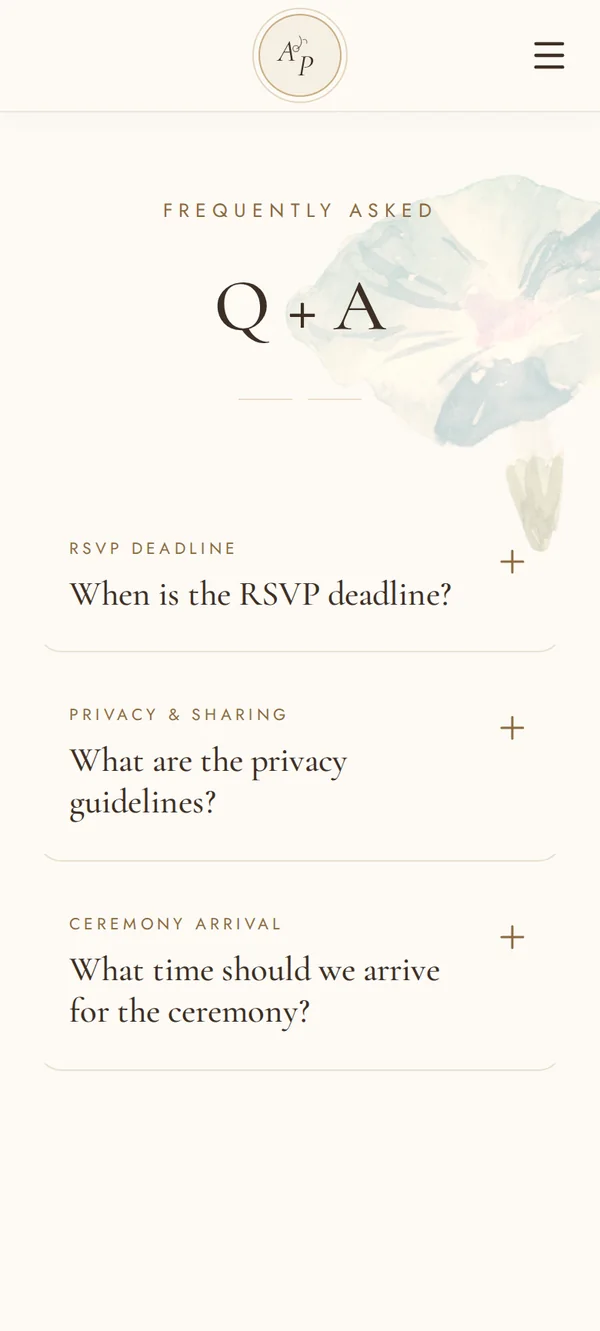
Q + AAnswers before anyone asks
Dress code, plus-ones, children, cultural traditions and photo etiquette — answered once, calmly, in one place.
- Dress code and arrival times
- Cultural traditions explained
- Privacy and photo etiquette
How it works
Three steps to yours.
Share your story
Your names, date, venues, colours and favourite photos — plus anything your guests should know.
We design your app
A custom design around your palette, with every page your guests need, ready for your review.
Send one link
Share it with your invitations or print the QR code. Guests open it in their browser.
Why an app, not a website
Made for the phone in their hand.
No download
Opens in any phone browser from one link or QR code.
Every phone
iPhone and Android, for grandparents and guests abroad alike.
Private by PIN
Only invited guests see your details and photos.
Built for privacy law
GDPR, DPDP Act, PIPEDA and US biometric rules in mind.


Ready to see yours?
Tell us your date, your colours and your story. We’ll take it from there.