Wedding app vs. wedding website: what guests actually use
A wedding website is built for browsing weeks ahead. A wedding app is built for the phone in a guest's hand on the day. Here's how to choose.
 By LIT VOW Editorial7 min read
Key takeaways
- A wedding website is best for sharing the basics — date, venue, registry — with guests weeks in advance.
- A wedding app is designed for use on a phone during the celebration itself: the schedule, directions, RSVP, photos and messages.
- A browser-based wedding app (a progressive web app) needs no download — guests open it from a link or QR code.
- If your guests travel, span generations or languages, or you want every guest photo in one place, an app does more of the work.
The short answer
Choose a wedding website if you only need a place to post the date, the venue and a registry link. Choose a wedding app if you want guests to rely on it through the whole celebration — to find the next event, get directions, upload their photos and leave you a message.
The difference isn’t really technology. It’s when guests use it. A website is read at a desk weeks before. An app is opened in a hotel lobby, in a taxi, between the ceremony and the reception, with one hand and a glass in the other.
What a wedding website does well
Wedding websites became popular for good reason. They’re quick to set up from a template, easy to link from a save-the-date, and a comfortable place for guests to read your story and browse your registry in advance.
- A single page with your date, venue and dress code
- Your story and engagement photos
- Registry links and an RSVP form
For a small, local wedding where most guests already know the venue, that can be all you need.
Where websites fall short for guests
The trouble starts on the wedding weekend itself. Template sites are designed to be browsed on a laptop, and the information guests need in the moment is often buried in long pages.
Information is hard to find on a phone
“What time is the tea ceremony?” “Which entrance do we use?” “Is there parking?” On a long scrolling page, guests end up texting the couple — or the couple’s parents — instead.
Photos end up everywhere
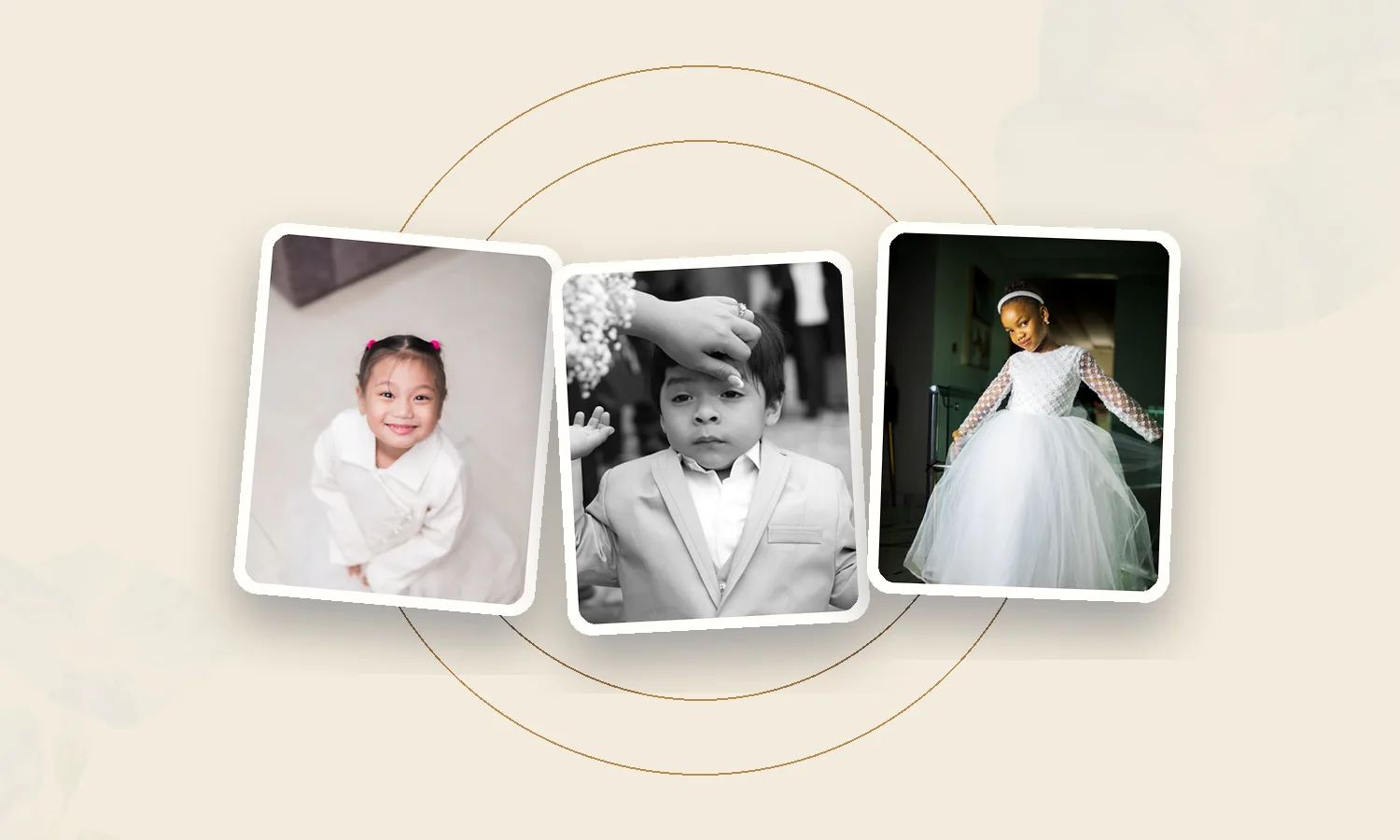
Guest photos get scattered across group chats, social posts and camera rolls. Most couples never see many of them, and guests rarely find the photos they appear in.
Privacy is an afterthought
Many sites are public by default. Your address, schedule and family photos can be visible to anyone with the link unless you remember to lock them.
A website is read at a desk weeks before. An app is opened in a hotel lobby, with one hand, on the day.
What makes a wedding app different
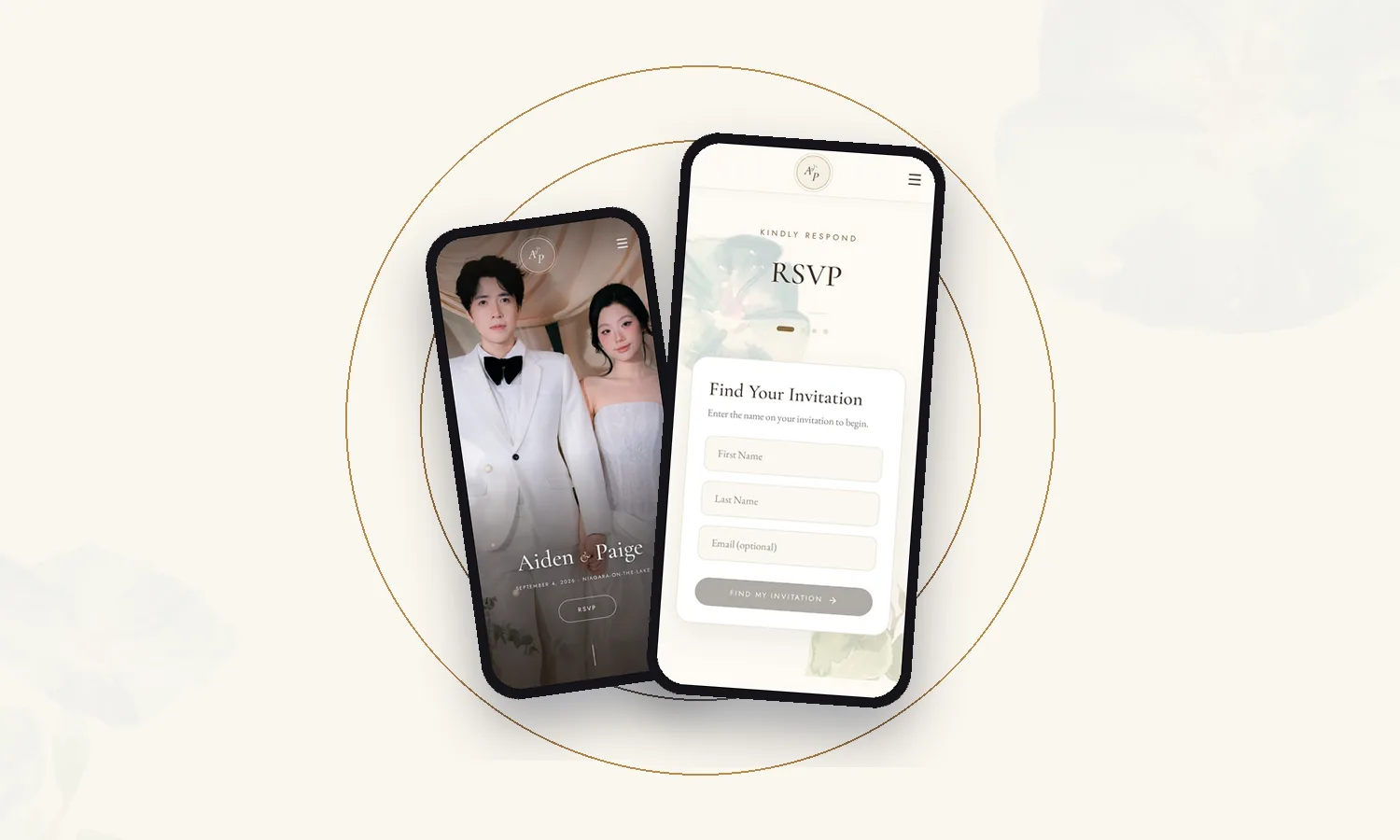
A wedding app is organized around the guest’s weekend rather than around pages. Each thing a guest needs is one tap away from the home screen:
- The big day, in order — every event with its time, place and a note on what to expect.
- RSVP in steps — guests find their invitation by name and respond in a few simple screens.
- Travel and stay — hotels with their distance from the venue, directions and booking links.
- Guest uploads — one shared gallery instead of fifty group chats.
- Selfie photo finder — guests take a selfie and instantly see every shared photo they’re in.
- Voice and video messages — a guestbook your guests actually want to fill in.
- Q&A — dress code, plus-ones, children and cultural traditions, answered once.
The best wedding apps today are progressive web apps: they open in the phone’s browser like a website, but look and behave like an app. There’s nothing to download from an app store, which matters for grandparents, for guests flying in from abroad, and for anyone short on storage.
Side by side
| What guests need | Typical wedding website | LIT VOW wedding app |
|---|---|---|
| Opens from | A link | A link or QR code — no download |
| Designed for | Browsing ahead, often on a laptop | The phone in a guest’s hand, on the day |
| Look and feel | A template with your photos | Custom designed around your palette |
| Privacy | Often public unless locked | Private by wedding PIN |
| Event schedule | A section on a long page | A dedicated timeline for every event |
| Guest photos | Usually a hashtag or outside album | A shared gallery inside the app |
| Finding your own photos | Rarely offered | Selfie Photo Finder |
| Voice and video messages | Rarely offered | Built in (Signature) |
What guests reach for on the day
Think about the questions you’ll be asked on the wedding weekend. They’re almost all about time and place: when to arrive, where to go next, where to park, what to wear to the tea ceremony, whether the shuttle is still running. Then, after the celebration, the questions turn to photos.
A wedding app answers those questions before anyone has to ask — which quietly takes a lot of pressure off you, your parents and your wedding party.
When a website is enough
If your wedding is small, local and on a single afternoon, a simple website may be all your guests need. A wedding app earns its place when there’s more to coordinate:
- More than one event — a welcome dinner, tea ceremony, reception or farewell brunch
- Out-of-town or international guests who need hotels and directions
- Families who read different languages
- A large guest list, and lots of photos you’d love to actually see
How to choose: a quick checklist
- Will guests need information on their phones during the wedding weekend?
- Do you want your details private to invited guests?
- Do you have more than one event or venue?
- Do you want every guest photo — and to let guests find their own?
- Would you treasure voice or video messages from the people you love?
If you answered yes to two or more, a wedding app will likely serve your guests better than a website alone.
Frequently asked questions
Do guests need to download a wedding app?
Not with a progressive web app. LIT VOW apps open in any phone browser from a link or QR code, and guests can add them to their home screen if they like.
Can a wedding app replace our wedding website?
Yes. A wedding app holds everything a website does — your story, date, venue and RSVP — and adds the tools guests need during the celebration.
Is a wedding app private?
A LIT VOW app can be protected with a wedding PIN, so only the guests you share it with can see your details and photos.
LIT VOW Editorial writes about wedding planning, guest experience and cultural traditions for couples in Canada, the USA and around the world.