Wedding website privacy: what not to put online (and how to protect it)
A wedding website tells the world where you'll be, when, and sometimes when your home will be empty. Here's what to keep private — and how to share details only with guests.
 By LIT VOW Editorial5 min read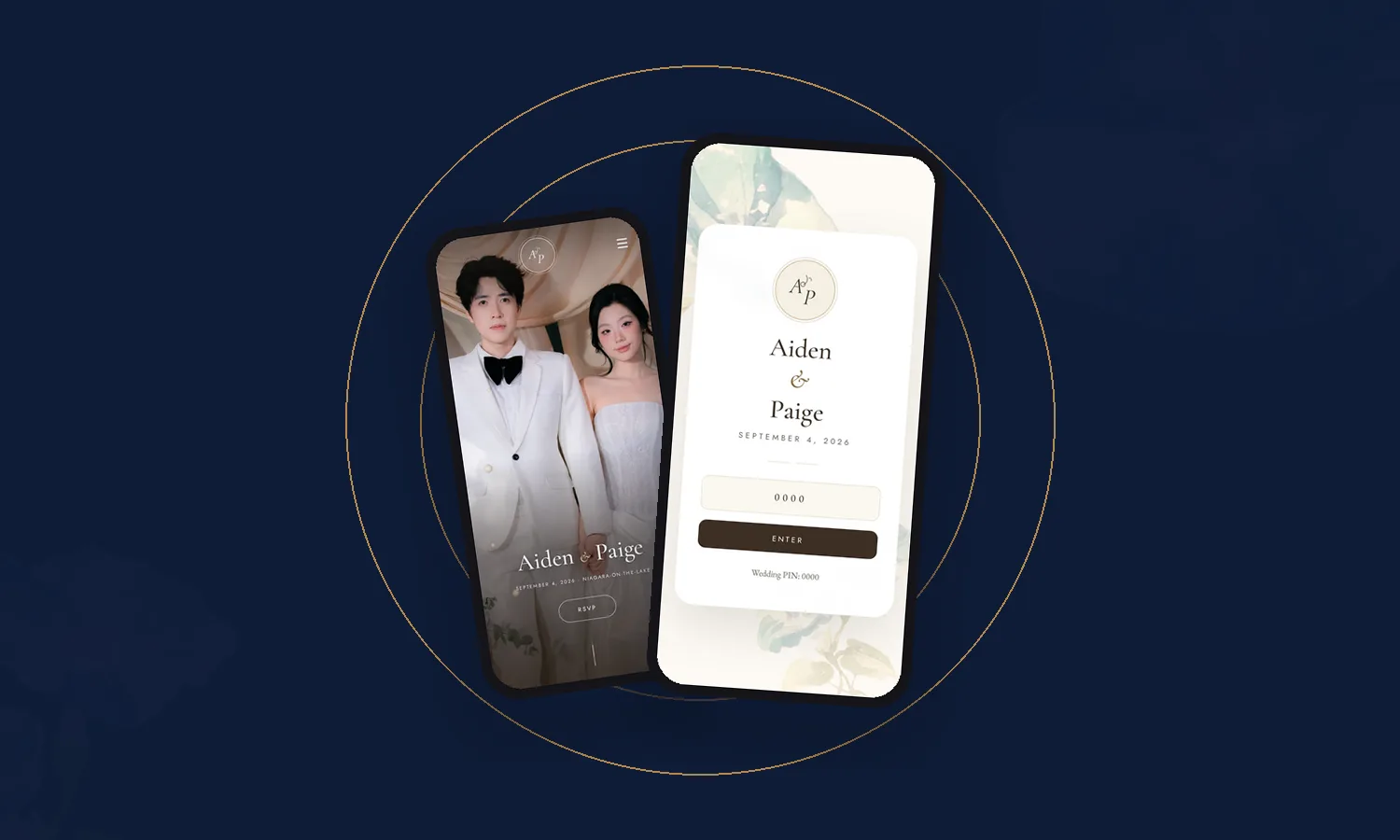
Key takeaways
- Public wedding sites can reveal your full names, date, venue, home address and honeymoon dates.
- Use a password or PIN so only invited guests see the details.
- Never publish your home address or honeymoon dates publicly.
- Ask guests not to share the link or post invitation details online.
Why privacy matters
A public wedding website can be surprisingly revealing. Combined, your full names, date, venue, schedule and photos tell anyone exactly where you — and many of your relatives — will be, and when. Add honeymoon dates and a home address, and you’ve also told them when your home will be empty.
Most couples never have a problem. But a few simple choices remove the risk.
What not to publish publicly
- Your home address. Collect addresses privately, and ship gifts through your registry.
- Honeymoon dates. Share after you’re home.
- Cash-gift or banking details on a public page.
- Guests’ personal information — names are fine inside a private app; never publicly.
- Children’s photos without their parents’ blessing.
Use a password or PIN
A password or PIN means only people with the invitation can see your details. Keep it simple — guests will type it on their phones — and include it on the invitation or in your message with the link.
Every LIT VOW app can be protected with a wedding PIN, so your schedule, venues, travel details and photos stay between you and the guests you invite.
Ask guests to help
Add a gentle note to your Q&A:
“To protect the privacy of the couple and our guests, please don’t share the website link or PIN, or post invitation details online.”
Photos: private by default
Guest uploads are wonderful — but they belong in a private gallery, not a public hashtag. Look for:
- a gallery visible only to your guests;
- the ability to remove photos on request;
- clear rules for any face-matching features — for example, in a LIT VOW app, a guest’s selfie is used only to match them in the shared photos, then discarded.
A quick privacy checklist
- Password or PIN switched on
- No home address or honeymoon dates published
- Guest photos in a private gallery
- Privacy note in your Q&A
- Children’s photos shared only with permission
Sources
Frequently asked questions
Should you password protect your wedding website?
Many couples do, and it's a sensible choice. A password or PIN keeps your venue, schedule, family photos and travel details visible only to guests you invite.
What should you not put on a wedding website?
Avoid publishing your home address, honeymoon dates, gift or cash-collection details on a public page, and personal information about guests. Share sensitive details privately or behind a password.
Is it safe to share wedding photos on a wedding website?
It is safer when the gallery is private to your guests. Ask guests before sharing photos of children, and let people request removal of photos they're uncomfortable with.
LIT VOW Editorial writes about wedding planning, guest experience and cultural traditions for couples in Canada, the USA and around the world.